To download the full website backup from cPanel:
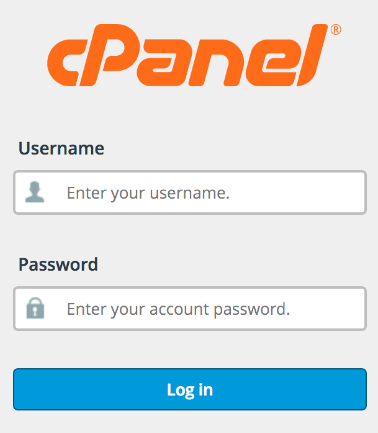
Step-1: Login to cPanel
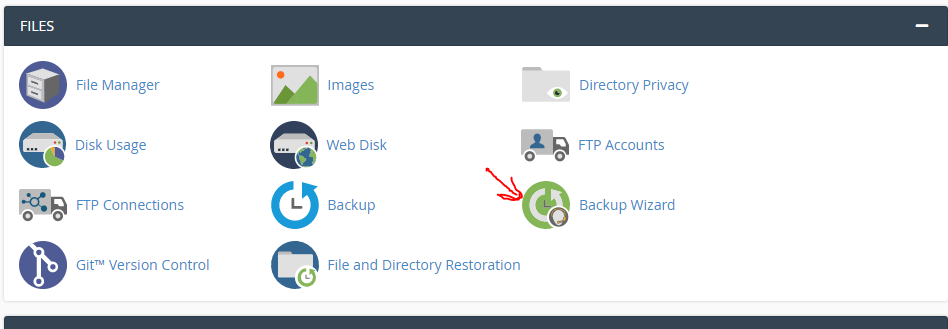
Step-2: Click the backup wizard icon in the file area.
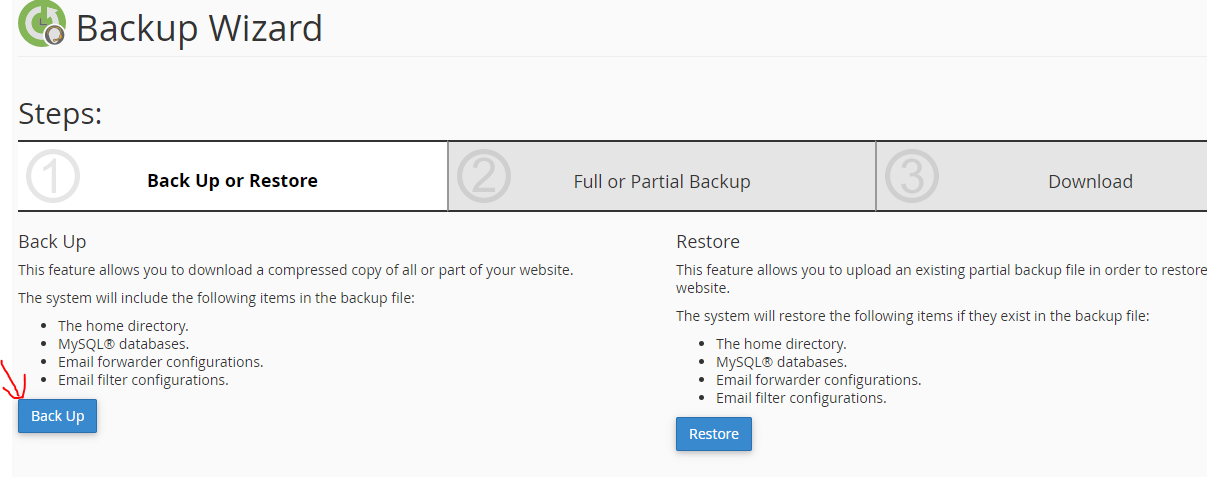
Step-3: Click Generate/Download a full website backup under complete backup.
Step-4: Click the link for the backup file you want to download under Backup Available for Download.
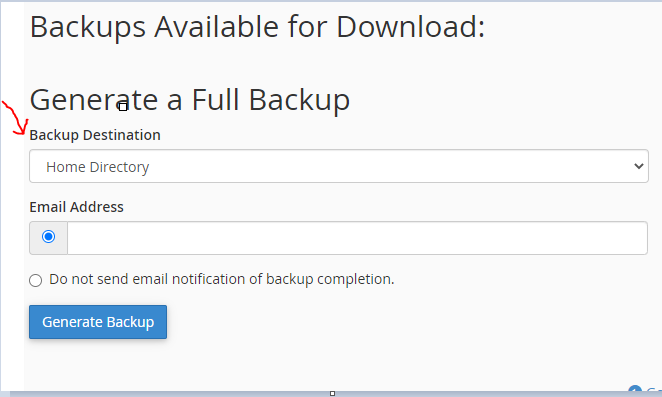
Step-5: Select the destination on your PC where you would like to save the backup.
After following these simple steps you can easily download the full website backup in cPanel.